
Delete/Retire
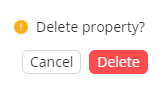
Delete Properties
Properties can be deleted on the Schema page by clicking the  button.
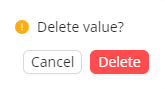
Delete Property Values
Values can be removed on the Content page by clicking on the icon, which is revealed when hovering over a value.
Delete or Retire Code System
Delete or Retire Concept
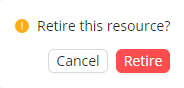
To delete ( ) or retire (
 ) a concept, press the corresponding icons and confirm your action in the danger zone again.
Retired concepts can also be re-activated using the icon.
Was this helpful?