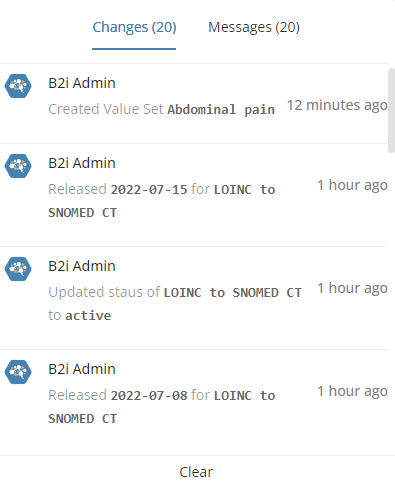
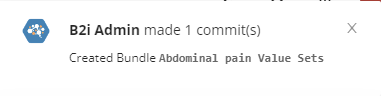
Each time a user makes changes to a Resource, a notification is generated. Depending on which page the user is viewing, these notifications might pop up in the upper right corner of the browser for a few seconds and contain the main details of the modifications.
Pop-up Notifications
Previous notifications can also be accessed by pressing the icon from the main menu.
A counter will appear on top of the bell icon when you have new notifications.
Change Notifications
You can clear all notifications by pressing Clear at the bottom of the window.
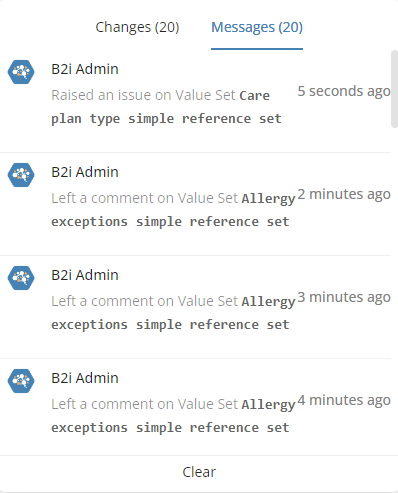
Messages
Comments made on issues always trigger a notification entry as well. These are collected in the Messagessection of the notification window.
Message Notifications
Clicking on a notification entry will take you to the corresponding issue, where you can find out more.
 icon from the main menu.