> For the complete documentation index, see [llms.txt](https://docs.b2ihealthcare.com/snowray/llms.txt). Markdown versions of documentation pages are available by appending `.md` to page URLs; this page is available as [Markdown](https://docs.b2ihealthcare.com/snowray/start.md).
# Feature Highlight
This page is dedicated to demonstrating the key features of the app through real-life workflows with the intention of helping users get familiar with Snowray.
{% hint style="info" %}
To benefit the most from the highlighted features, feel free to follow along with the examples, as they will walk you through the most important functionalities of Snowray.
{% endhint %}
## Code System authoring
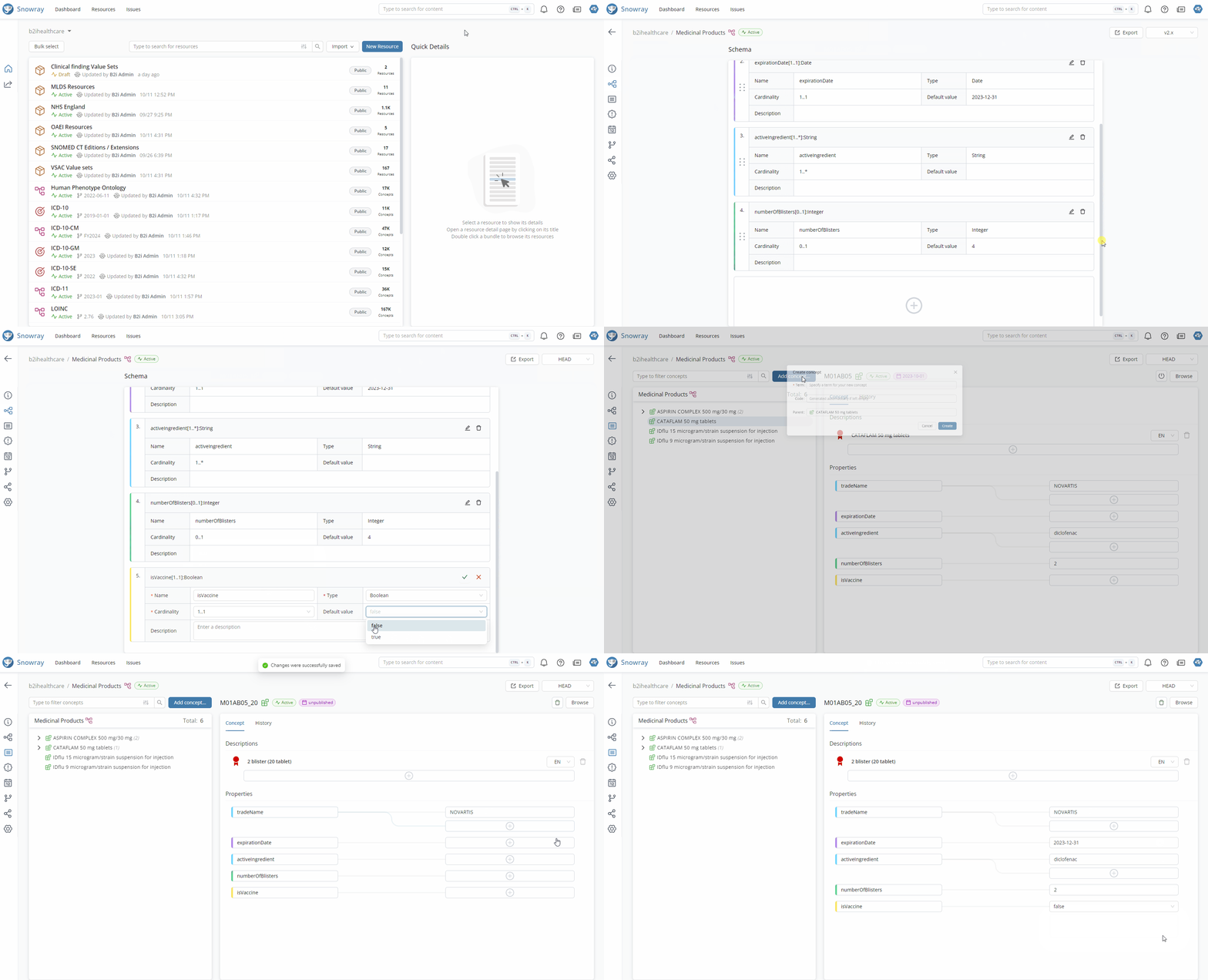
Not only does Snowray support the browsing of international standards, but also the building and modeling of code sets from scratch.
Code System Authoring
Learn more about creating and maintaining Code Systems here:
{% content-ref url="/pages/-MfXh4MUr9NBwoM3fOaJ" %}
[Code Systems](/snowray/reference/resources/codesystems.md)
{% endcontent-ref %}
## Value Set authoring
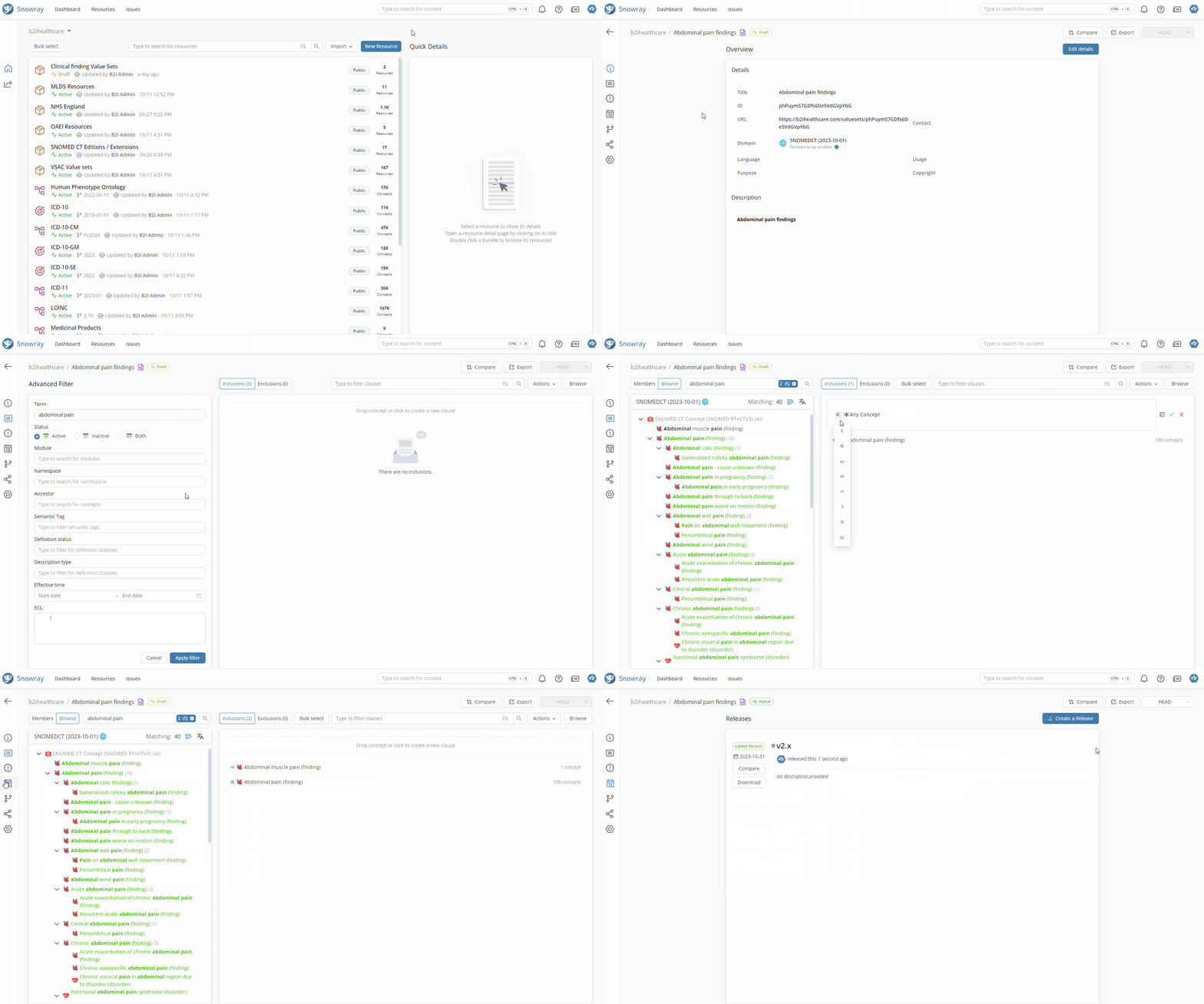
Snowray also enables building subsets of the Code Systems that are available in the app, generating more focused content with that.
Value Set Authoring
Find out more about managing Value Sets here:
{% content-ref url="/pages/-MfXh70QhOJClYDY4VNp" %}
[Value Sets](/snowray/reference/resources/valuesets.md)
{% endcontent-ref %}
## Concept Map authoring
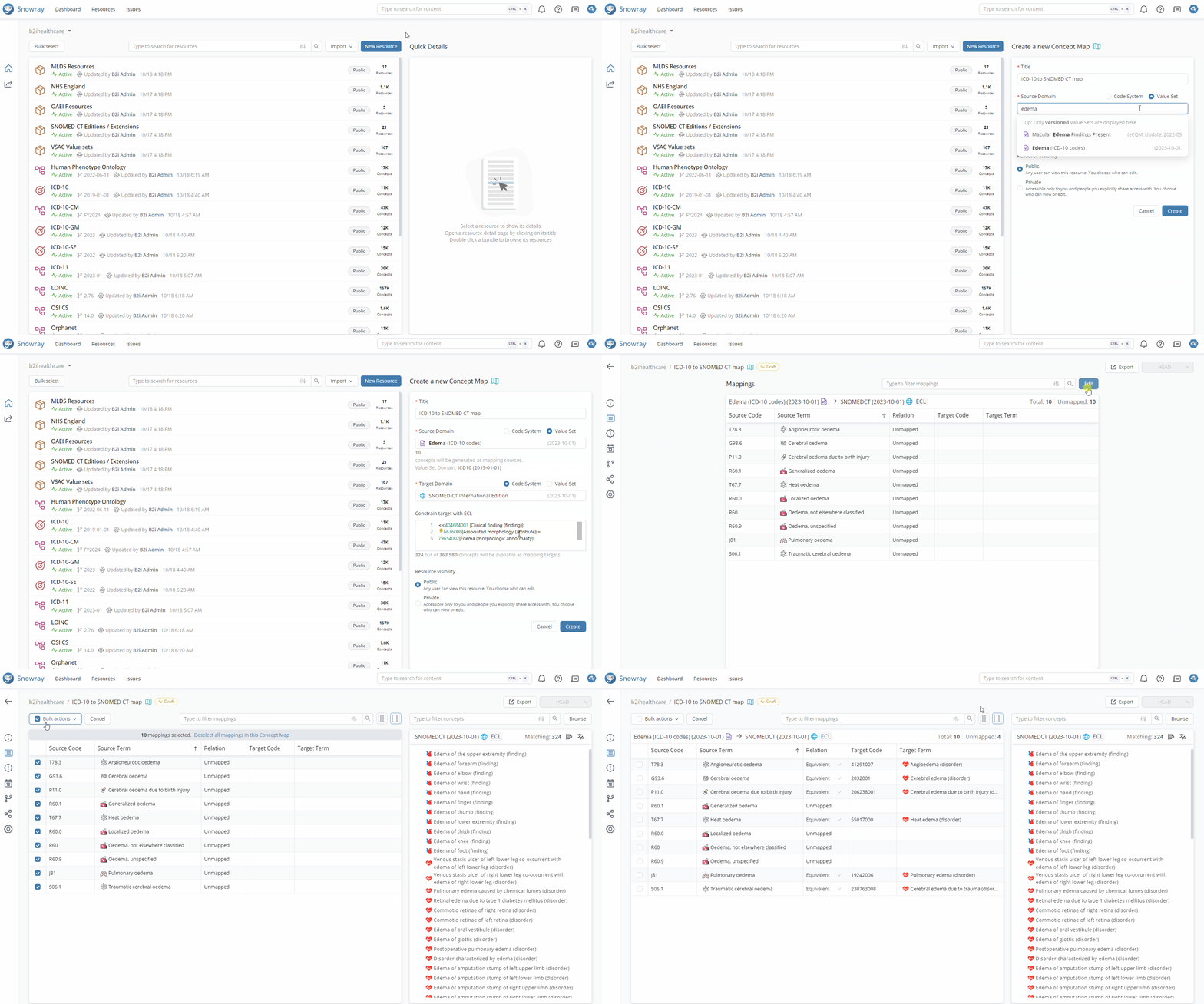
Mapping content from one Codes System to another is also supported in the app. Besides Code Systems, Value Sets can also be used as source or target domains for Concept Maps.
Concept Map Authoring
Learn more about Concept Maps here:
{% content-ref url="/pages/-MfXhC\_KSezs1AOMsNRZ" %}
[Concept Maps](/snowray/reference/resources/conceptmaps.md)
{% endcontent-ref %}
## Issue management
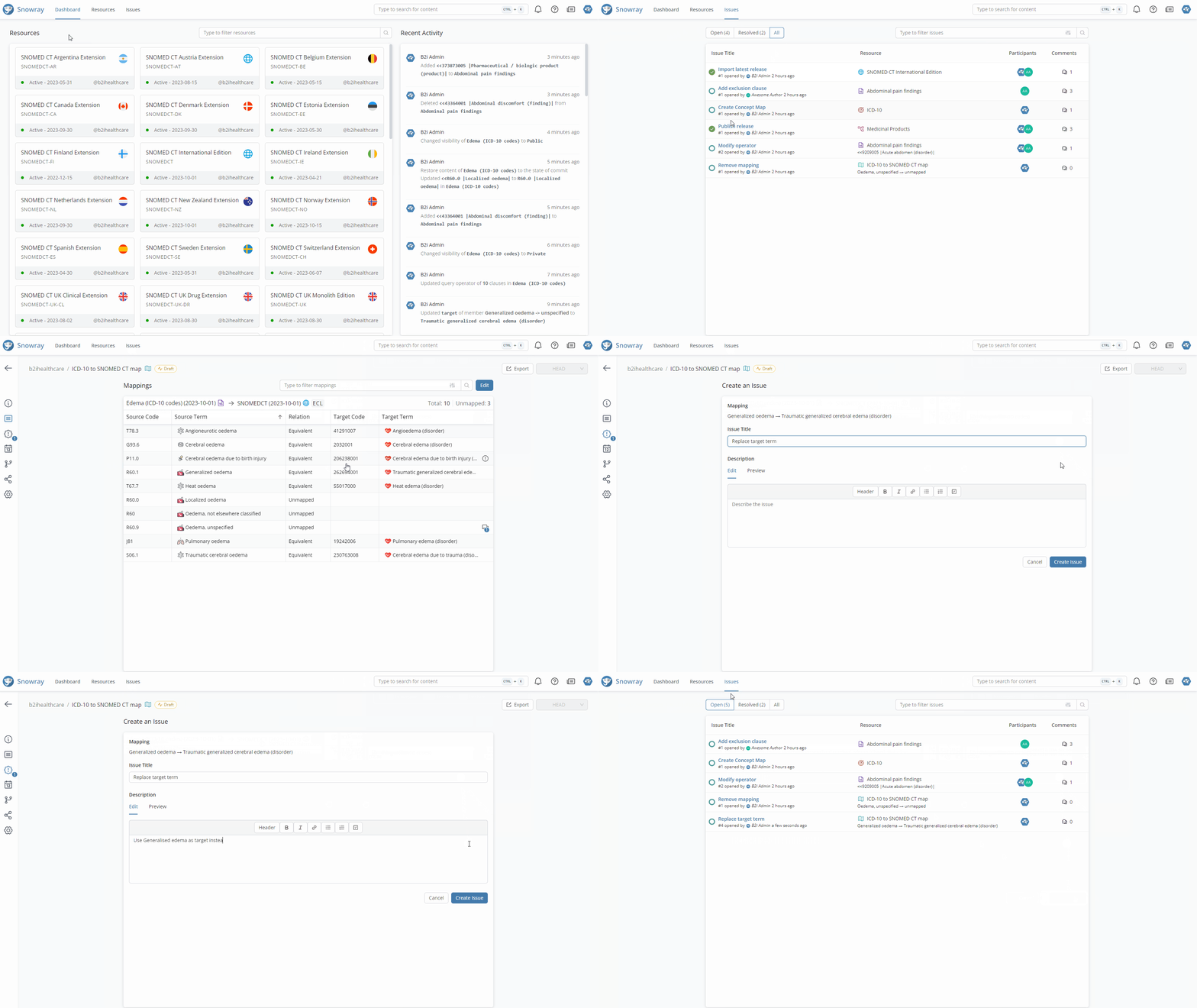
Providing feedback, requesting changes, or just adding comments for discussion can all be managed in the built-in issue system of Snowray, which allows creating issues for specific resources.
Issue Management
Find out more about handling issues here:
{% content-ref url="/pages/cjWlxdHZaEODQRKPxaBe" %}
[Issue management](/snowray/reference/issue-management.md)
{% endcontent-ref %}
## And more...
Besides the highlighted features, Snowray comes with a pack of additional functionalities that enhance usability and support the authoring processes, including but not limited to Profile management, access management, or releasing resources.
Explore what Snowray has in store in the following pages of the documentation.